 Get Gold365 ID
Skip to content
Get Gold365 ID
Skip to content

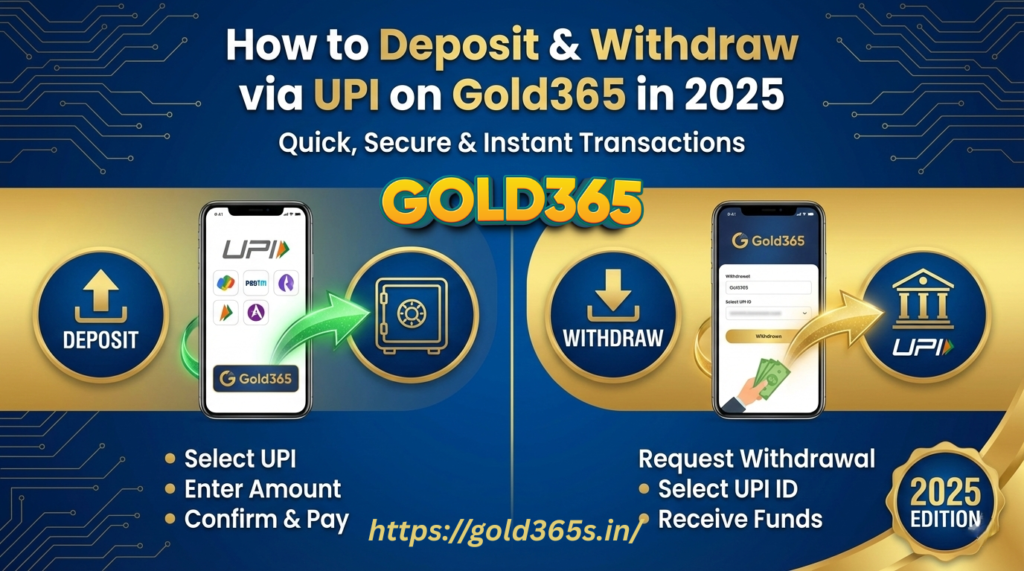
Learn how to deposit and withdraw money on Gold365 using UPI in 2025. Step-by-step guide for fast, secure payments and smooth withdrawals.
How to Deposit and Withdraw Money on Gold365 Using UPI in 2025
The online gaming and betting industry in India has grown rapidly in 2025. Platforms like Gold365 are now widely used for live sports betting, casino games, quick-win games, and other interactive formats. One of the most convenient methods for depositing and withdrawing money on Gold365 is Unified Payments Interface (UPI).
UPI allows instant bank-to-bank transfers using a Virtual Payment Address (VPA) without sharing full account details. This guide explains step-by-step how Indian users can safely deposit and withdraw funds on Gold365 using UPI after completing a valid gold365 login.
Understanding UPI
Unified Payments Interface (UPI) is an instant payment system developed by the National Payments Corporation of India (NPCI). It connects multiple banks, allowing users to send or receive money directly from their bank accounts through apps like Google Pay, PhonePe, BHIM, Paytm, and others.
Key advantages of UPI include:
- Instant transactions: Most transfers are completed within seconds.
- 24/7 availability: Payments can be made any time, even on weekends or holidays.
- Ease of use: Requires only a UPI ID (VPA) instead of bank account number and IFSC.
- Security: Uses two-factor authentication and a UPI PIN for verification.
Because of these features, UPI has become the preferred payment option for online gaming platforms, including Gold365.
Also Read: Gold365 vs Other Gaming Platforms – What Makes It Different in 2026?
How to Deposit Money on Gold365 Using UPI
Depositing money on Gold365 via UPI is a straightforward process.
1. Log in to Gold365
Open the official Gold365 site or mobile interface and complete your gold365 login using registered credentials. Always ensure you are accessing the correct platform to avoid fake or clone websites.
2. Navigate to the Deposit Section
Once logged in, go to the “Deposit” or “Add Funds” option available on the dashboard.
3. Select UPI as Payment Method
Choose UPI from the available payment options. Supported apps usually include Google Pay, PhonePe, BHIM, or Paytm.
4. Enter the Deposit Amount
Enter the amount you wish to add to your Gold365 wallet. Minimum and maximum deposit limits may apply.
5. Provide Your UPI ID
Carefully enter your UPI ID (VPA). This links your bank account securely to your gold365 id for the transaction.
6. Authorize Payment via Your UPI App
Approve the payment request in your UPI app by entering your UPI PIN.
7. Wait for Confirmation
Most deposits reflect instantly or within a few minutes.
8. Verify Wallet Balance
Confirm that the deposited amount appears in your Gold365 account before placing any bets or playing games.
How to Withdraw Money from Gold365 Using UPI
Withdrawing funds from Gold365 using UPI is designed to be quick and user-friendly.
1. Log in to Your Gold365 Account
Access your account using your verified gold365 login details.
2. Navigate to the Withdrawal Section
Click on “Withdraw” or “Cash Out” from your account dashboard.
3. Select UPI as Withdrawal Method
Choose UPI as the payout option.
4. Enter the Withdrawal Amount
Enter the amount you want to withdraw, ensuring it meets the platform’s withdrawal limits.
5. Enter Your UPI ID
Use the same UPI ID linked to your gold365 id to avoid verification delays.
6. Submit Withdrawal Request
Confirm and submit your request. Verification may apply if KYC is incomplete.
7. Wait for Processing
Most UPI withdrawals are processed within a few hours, though some may take up to one business day.
8. Confirm Receipt in Bank Account
Check your bank account to ensure the funds have been credited successfully.